

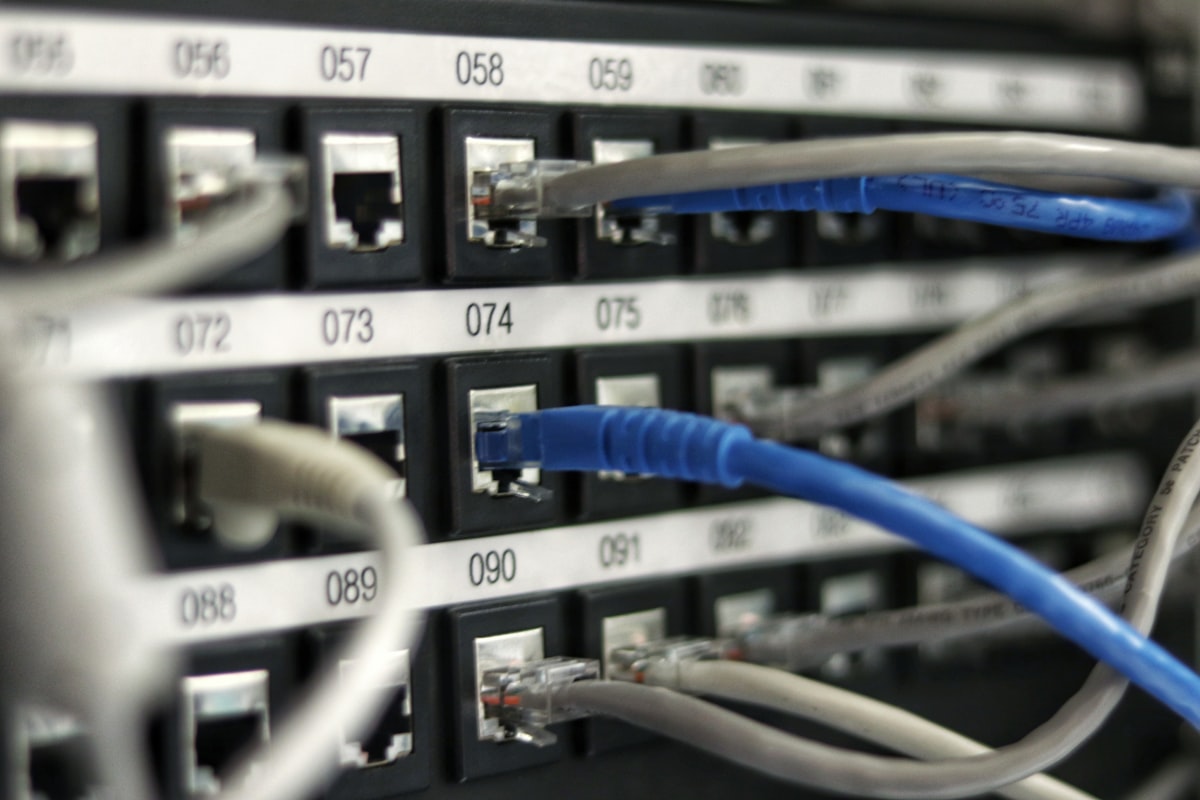
Production Infrastructure Walkthrough: Configure multi-GPU Tensor Parallelism, FP8 KV cache memory compression, and continuous batching in vLLM.
Step 1: Configure Multi-GPU Environment Variables
export CUDA_VISIBLE_DEVICES=0,1,2,3
export NCCL_DEBUG=INFO
Step 2: Initialize vLLM Server Engine
from vllm import LLM, SamplingParams

llm = LLM(
    model="deepseek-ai/DeepSeek-R1-Distill-Qwen-32B",
    tensor_parallel_size=4,
    gpu_memory_utilization=0.92,
    kv_cache_dtype="fp8"
)
COMMENTS (0)
Join the discussion on AI engineering and technical research.